
Wed, 15 Jul 2026 · 4 min read
How to order cakes on WhatsApp with Mithaava
A clear walkthrough: menu → cart → pincode → details → send. No app download, no checkout confusion.
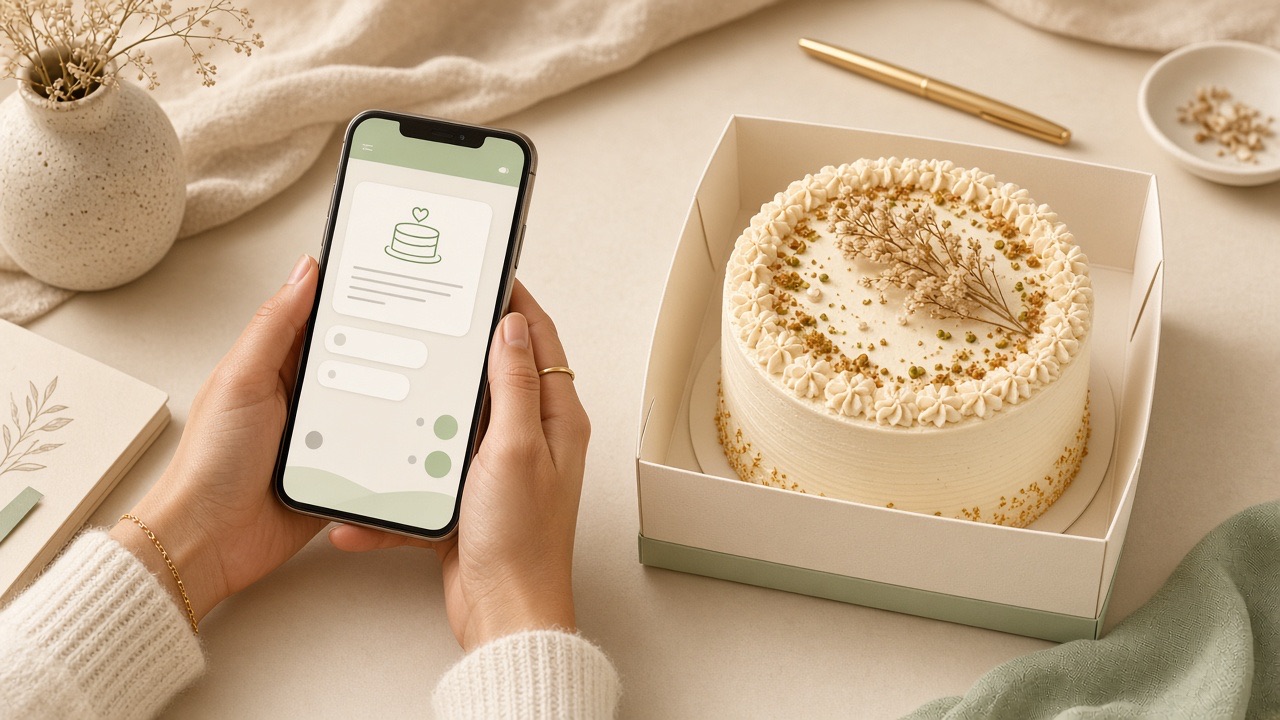
We built ordering around WhatsApp because that is how Gurugram already talks. You shop on the website; you confirm with a human on chat.
Step by step
- Browse /menu and add sizes to your cart
- Open checkout and confirm your 6-digit pincode
- Fill name, mobile, address, date and time slot
- Optional: cake message and notes
- Tap Send order on WhatsApp — review the prefilled message and hit send
We reply to confirm availability, delivery charges and payment. Nothing is final until that chat confirmation — so you can ask questions freely.
Not ordering a full cake? Use Contact Us with your name, address and message — same WhatsApp number, lighter template for custom questions and catering.
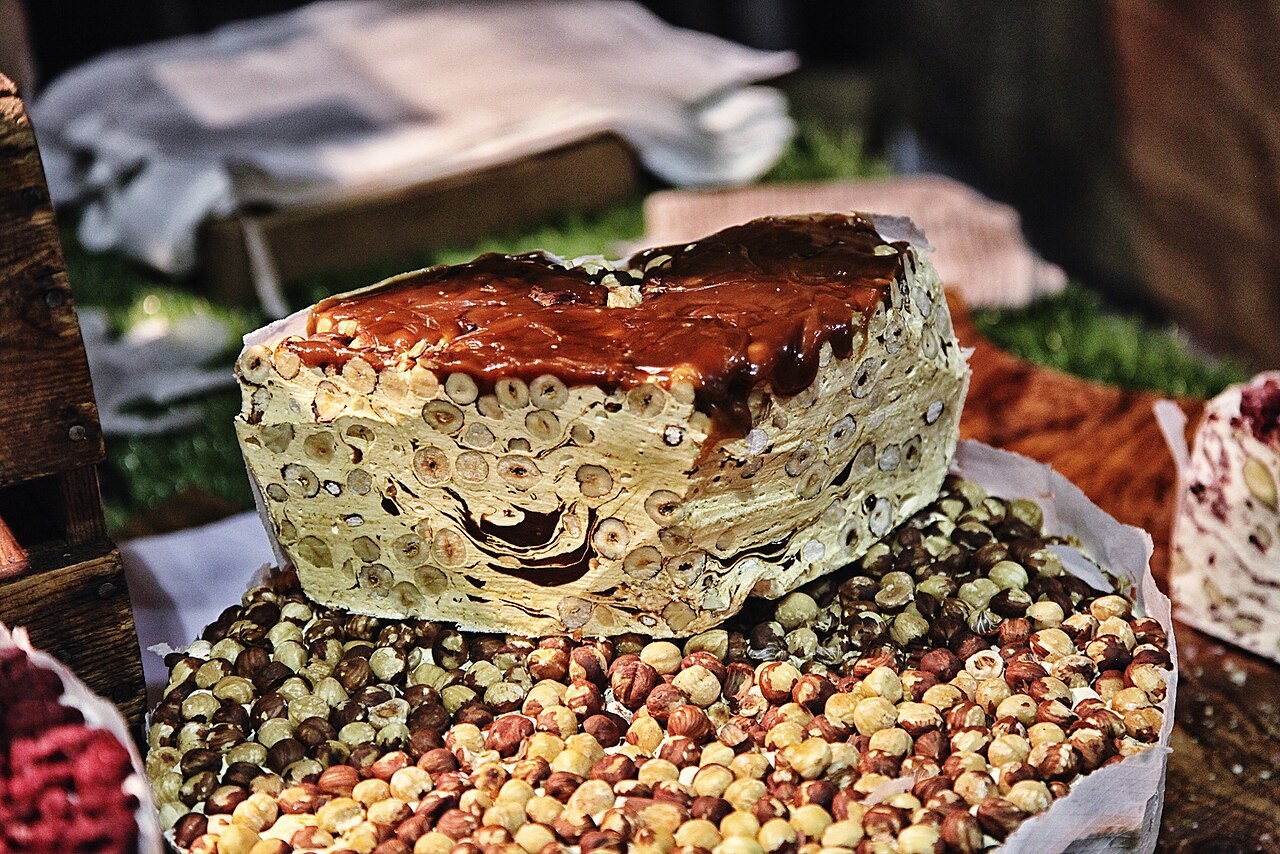
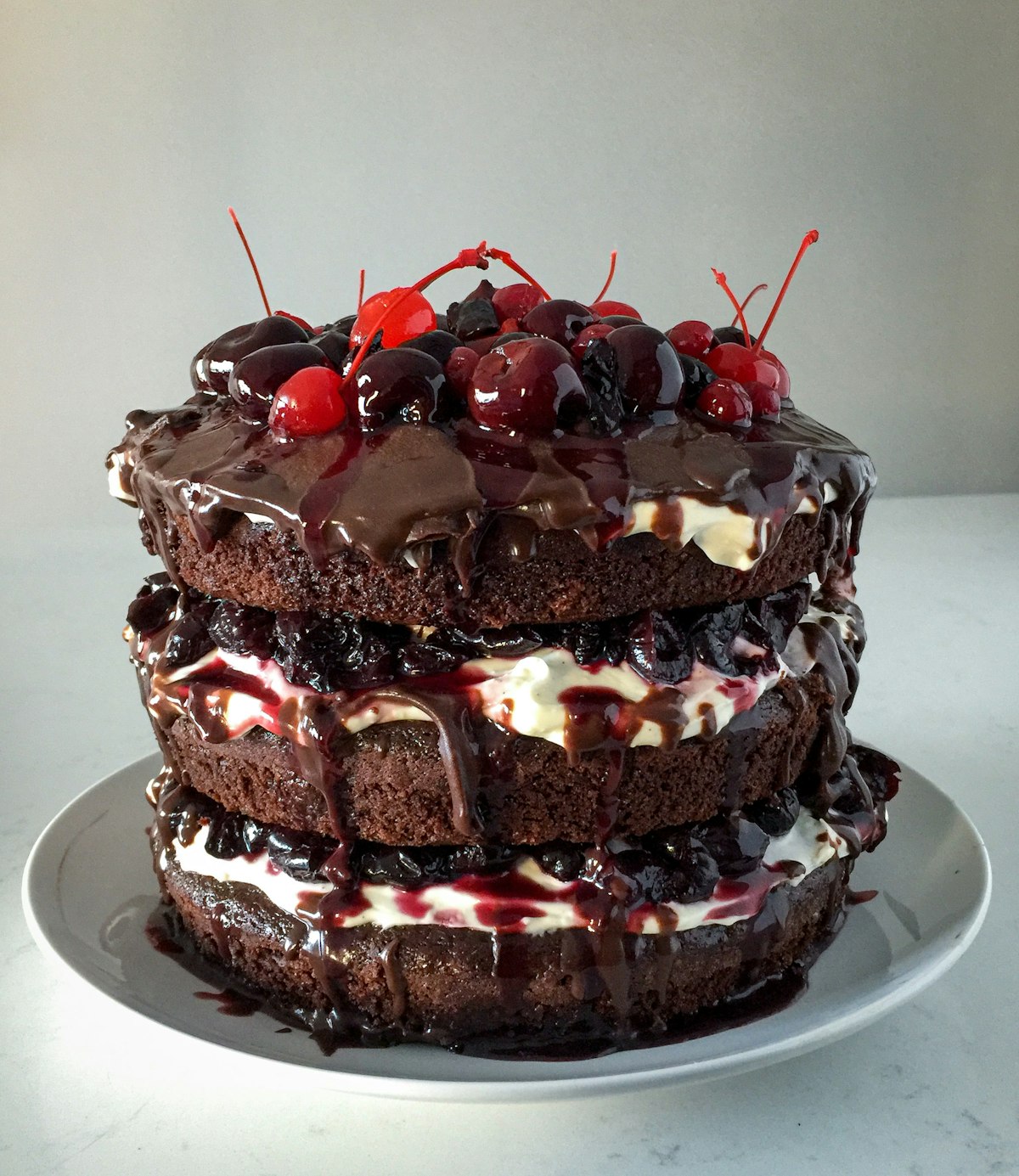
Taste these next

More from the blog
Sat, 12 Sept 2026 · 5 min read
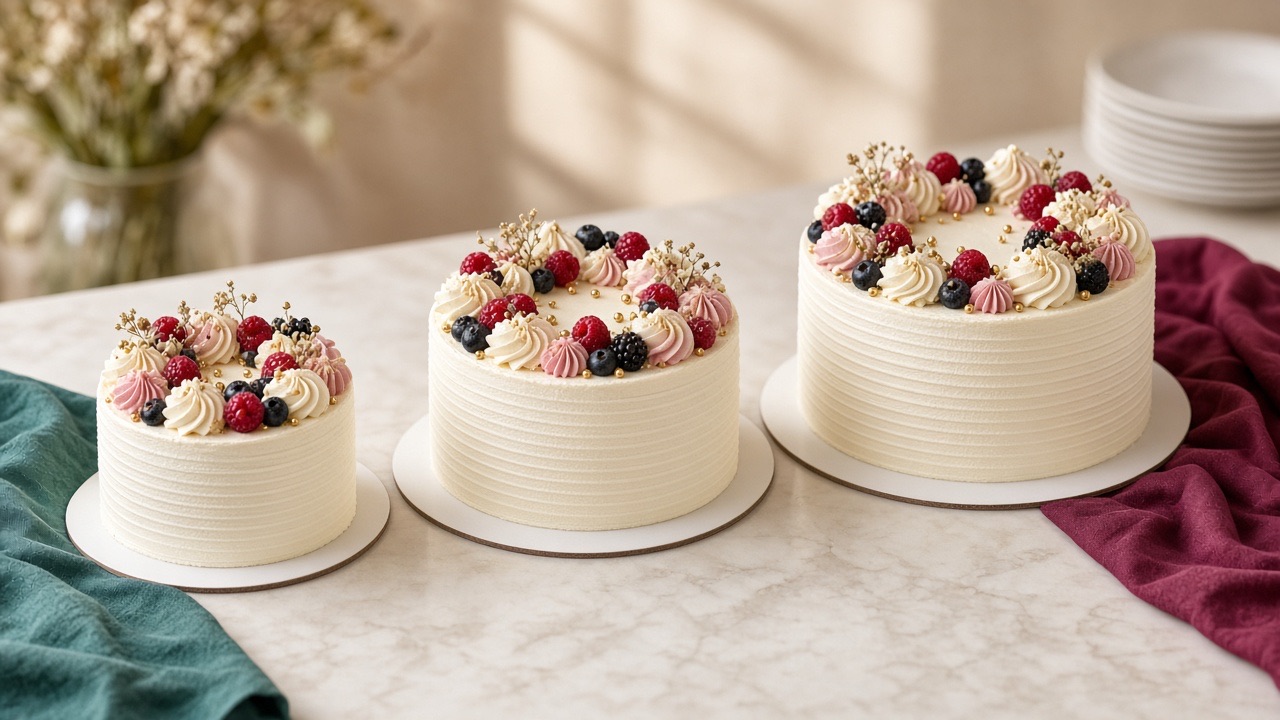
How to pick the perfect cake size for your gathering
Bento for two, 500 gm for a small celebration, 1 kg when the table is full — a simple size guide for Gurugram parties.

Fri, 7 Aug 2026 · 4 min read
Cake message ideas that actually fit
Short, warm lines for birthdays, anniversaries and thank-yous — within our 40-character cake message limit.

Wed, 22 Jul 2026 · 3 min read
Open 24 hours: sweet plans on your schedule
Message us anytime. Baking and delivery still respect each cake’s lead time — here is how to plan overnight orders.